
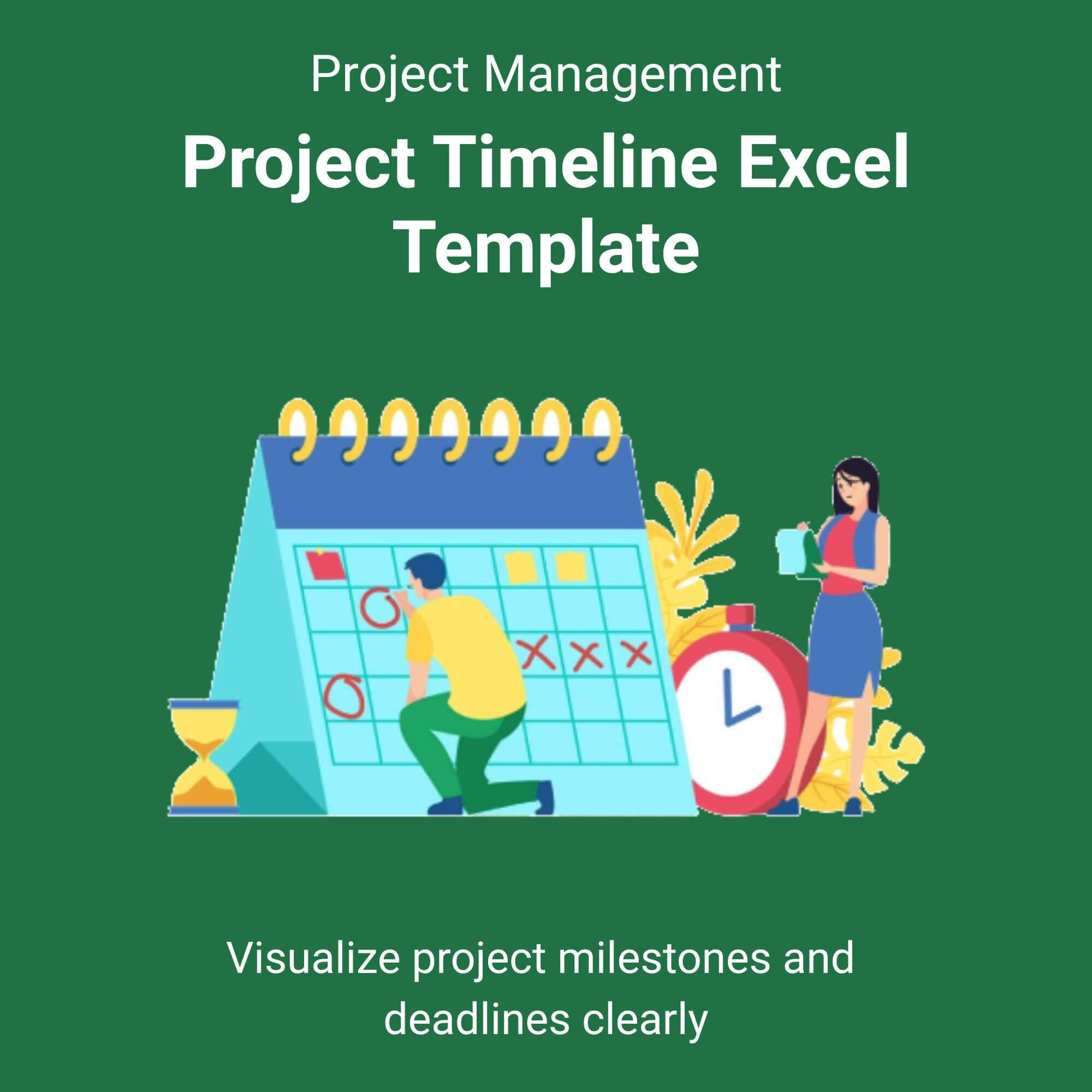
Stop juggling scattered sticky notes, messy spreadsheets, and expensive SaaS subscriptions. It is time to take control of your deliverables with the ultimate Project Timeline Excel Template.
Designed for professionals who demand clarity, this template transforms raw data into a stunning visual Gantt chart in seconds. You no longer need to be an Excel expert to manage complex schedules. Simply enter your task list, start dates, end dates, and assignees—the template handles the rest.
Why this template works:
This tool focuses on the three pillars of project success: Time, Scope, and Resources. The intelligent dashboard automatically calculates project duration and highlights bottlenecks before they become crises. Because it lives in Excel, you retain full ownership of your data—no monthly fees, no cloud security risks, and zero learning curve for your team. View More Project Management Excel Template.
We include a comprehensive PDF user guide to get you started immediately. Whether you are planning a $10k marketing campaign or a $10M construction build, this template provides the professional framework you need to deliver on time.
Who is this for?
✅ The Busy Project Manager: You need a reliable tool to present to stakeholders. This template offers a high-level overview for executives and a detailed task list for your team, all in one file.
✅ The Entrepreneur: You are wearing ten hats at once. Use this to map out your product launch, hiring timeline, or operational setup without paying for a consultant or a monthly software license.
✅ The Agency Owner: You need to manage client expectations. The visual Gantt chart and milestone tracker allow you to show clients exactly when deliverables are due, reducing scope creep and clarifying timelines.
✅ The Construction Supervisor: You need to sequence trades and manage lead times. This template handles complex dependency structures and provides a clear view of the critical path for your build.
✅ The Event Coordinator: You have hundreds of moving parts. Use this to track vendor contracts, payment schedules, and setup times to ensure your event runs without a hitch.
✅ The Student or Academic: You are managing a thesis, dissertation, or group project. Stay on top of research deadlines and collaboration tasks with a structured, easy-to-follow format.
Reviews
There are no reviews yet.