Excel Training And Templates Market Place

Easily Convert Any Excel Template Into Google Sheets - Just 2 Simple Steps!
Instant Downloads

Ready-Made Excel & Google Sheets Templates for Every Need!

Save Time With Our Premium Bundles: Budgets, Invoices, Dashboards, And More.
Master Excel From Beginner to Pro

Master Excel From Beginner to Pro

Learn Excel with lessons, exercises, techniques lifetime access, free updates
Instant Download Excel Templates

Instant Download Excel Templates

Customizable Excel templates budgets, dashboards, invoices, trackers, save hours fast
100% Customizable for Your Needs

100% Customizable for Your Needs

Professional templates with formulas, charts, layouts simple editing, no skills
30-Day Money-Back Guarantee

30-Day Money-Back Guarantee

Full refund, no questions purchase protected with total confidence anytime

Complete Excel Training Course – Master Skills in 7 Days!

Transform your career with our all-in-one online Excel training course designed for beginners, students, professionals, and business owners. No prior experience needed – start from zero and reach expert level!
What You Get Inside:
Perfect For:
Accountants, freelancers, managers, students preparing for interviews – save 100+ hours of trial-and-error.
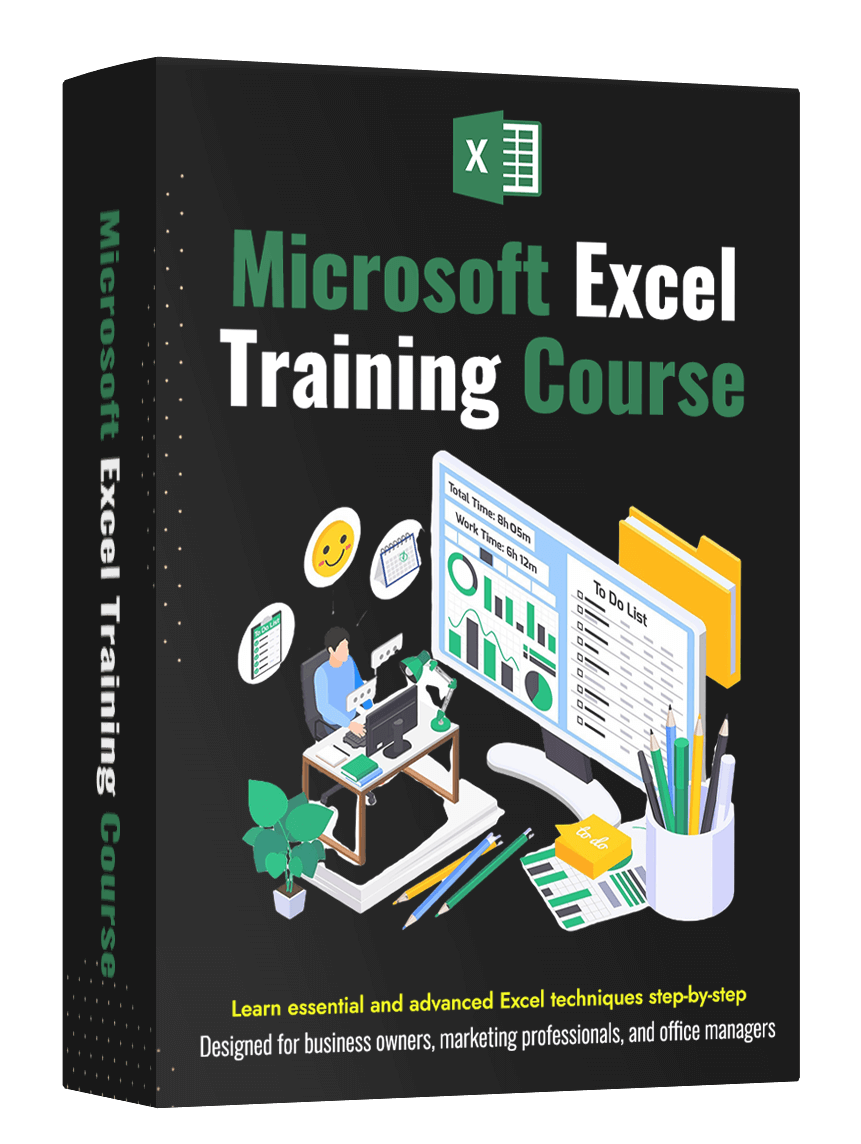
Microsoft Excel Training Course

Complete Excel Training Course – Master Skills in 7 Days!

Transform your career with our all-in-one online Excel training course designed for beginners, students, professionals, and business owners. No prior experience needed – start from zero and reach expert level!
What You Get Inside:
Perfect For:
Accountants, freelancers, managers, students preparing for interviews – save 100+ hours of trial-and-error.

Before vs After Our Excel Course

From chaos and frustration to clean, automated, confident productivity – in just weeks!
BEFORE

Hours Wasted, Messy Sheets, Constant Stress

Professional Men Frusted Before Excel Training Course
AFTER

Clean Dashboards, Automated Reports, Total Confidence

Professional Men Happy After Excel Training Course
Ready for YOUR transformation? Stop struggling – start winning with Excel today!

Choose from 1000+ Professional Excel Templates

Instantly download ready-to-use, fully customizable Excel solutions created by experts. Save hours of work, eliminate errors, and look like a pro whether you’re managing finances, tracking sales, analyzing data, or running projects
Finance & Accounting Excel Templates

Finance & Accounting

Track expenses, forecast cash flow, create balance sheets & profit/loss reports automatically and accurately
Business Management Excel Templates

Business Management

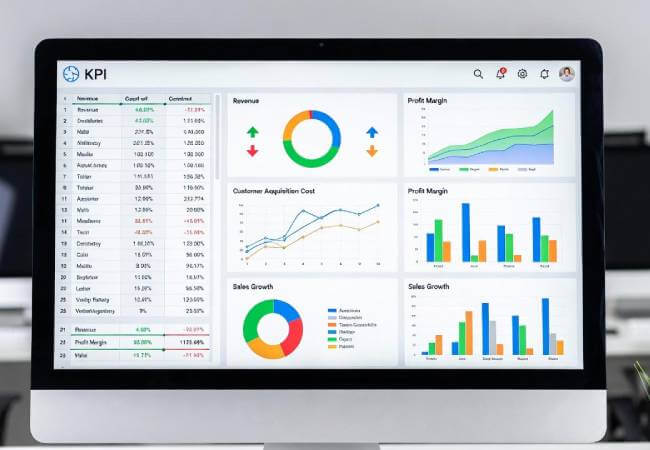
Daily planners, KPI trackers, meeting agendas, and performance scorecards everything in one organized place
Sales & Inventory Tracking Excel Templates

Sales & Inventory Tracking

Real-time inventory levels, sales pipeline, order tracking & commission calculators fully automated with accuracy
Finance & Accounting Excel Templates

Data Analysis & Reports

Pivot tables, dynamic charts, trend analysis & executive summary reports look like a professional data expert
Business Management Excel Templates

HR & Payroll

Employee database, attendance tracker, salary slip generator, leave management, payroll processing all automated
Sales & Inventory Tracking Excel Templates

Project Management

Gantt charts, task trackers, resource allocation, milestone dashboards complete project control and efficiency
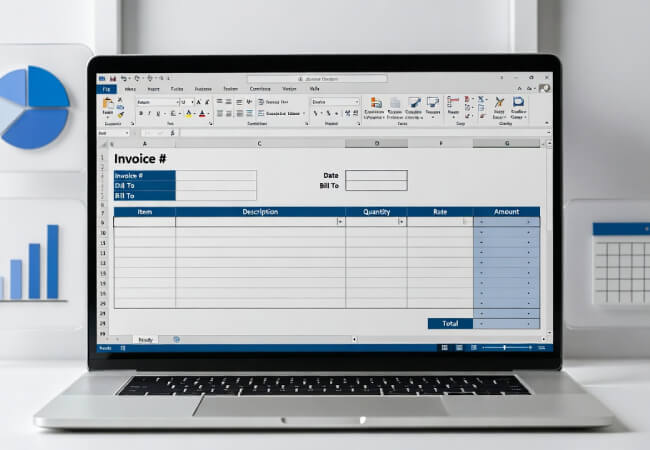
Invoice Excel Templates

Invoice Excel Templates

Smart invoice templates in Excel that help businesses stay professional, organized, and financially secure
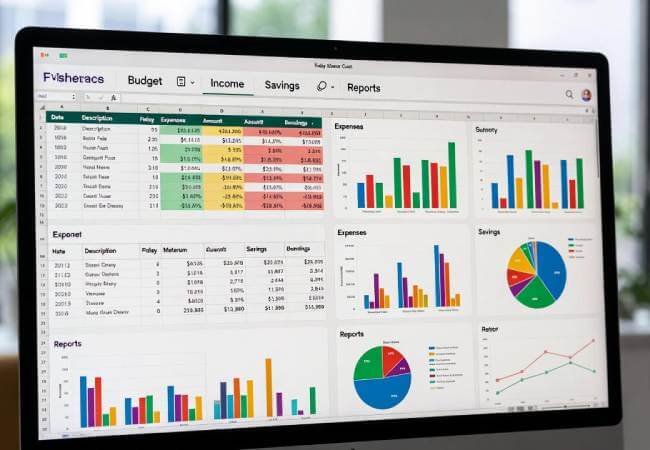
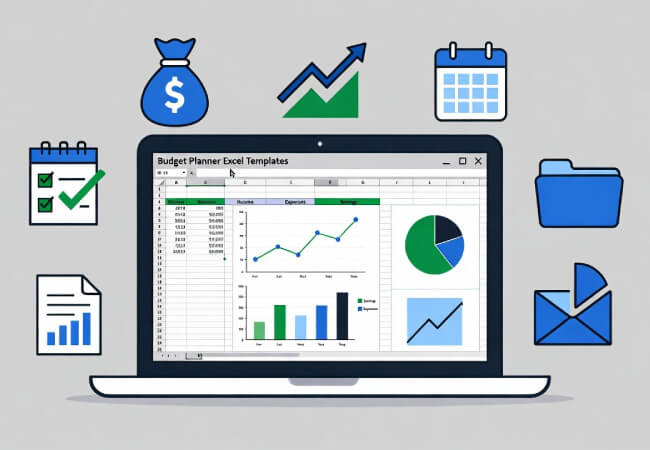
Budget Planner Excel Templates

Budget Planner Excel Templates

Excel budget templates designed to help families and businesses manage money effectively and easily
Small Business Excel Templates

Small Business Excel Templates

Excel templates built for small businesses to simplify management, track performance, and boost efficiency

Popular Templates

Our best-selling and most-loved Excel templates, hand-picked by thousands of users worldwide. These top-rated favorites come with proven formulas, stunning visuals, and real-world results instantly downloadable and ready to customize for your business or personal needs.

Frequently Asked Questions (FAQs)

Find quick answers to common questions about our Excel templates and training courses, including compatibility, usage tips, and support options

We offer a wide range of Excel templates including business, finance, HR, project management, budgeting, and personal productivity tools.

Yes, our templates are designed to work with most modern versions of Microsoft Excel (.xlsx format). Some advanced features may require newer versions.

Absolutely! All templates are fully editable. You can adjust formulas, formatting, and layouts to suit your specific requirements.

No, our templates are beginner‑friendly. They come pre‑formatted with formulas and instructions, so you can start using them right away.

Once your payment is confirmed, you will receive a secure download link via email. You can also access your purchased templates directly from your account dashboard.

Yes! You can easily import any Excel template into Google Sheets by following these steps:

Open Google Drive and click “New”.

Select “File Upload” and upload the Excel template.

Right‑click the uploaded file and choose “Open with → Google Sheets”.

Your template will now be ready to use in Google Sheets.

While templates are optimized for desktop use, they can also be accessed and edited on mobile devices using the Excel or Google Sheets app.

Yes, we offer email support to help you with template usage, troubleshooting, or customization questions.

Yes, once downloaded, you can share the templates with your team members for collaborative work. For Google Sheets, you can simply use the “Share” option.

Yes, if we release an updated version of a template you’ve purchased, you will receive the updated file at no extra cost.

Our Excel Training Course covers essential topics such as formulas, functions, charts, pivot tables, and data analysis. It is designed to help beginners and intermediate users improve their Excel skills step by step.

The course is self‑paced, allowing you to learn at your convenience. On average, most learners complete the training in 2–4 weeks depending on their schedule and prior experience with Excel.

Scroll to Top