
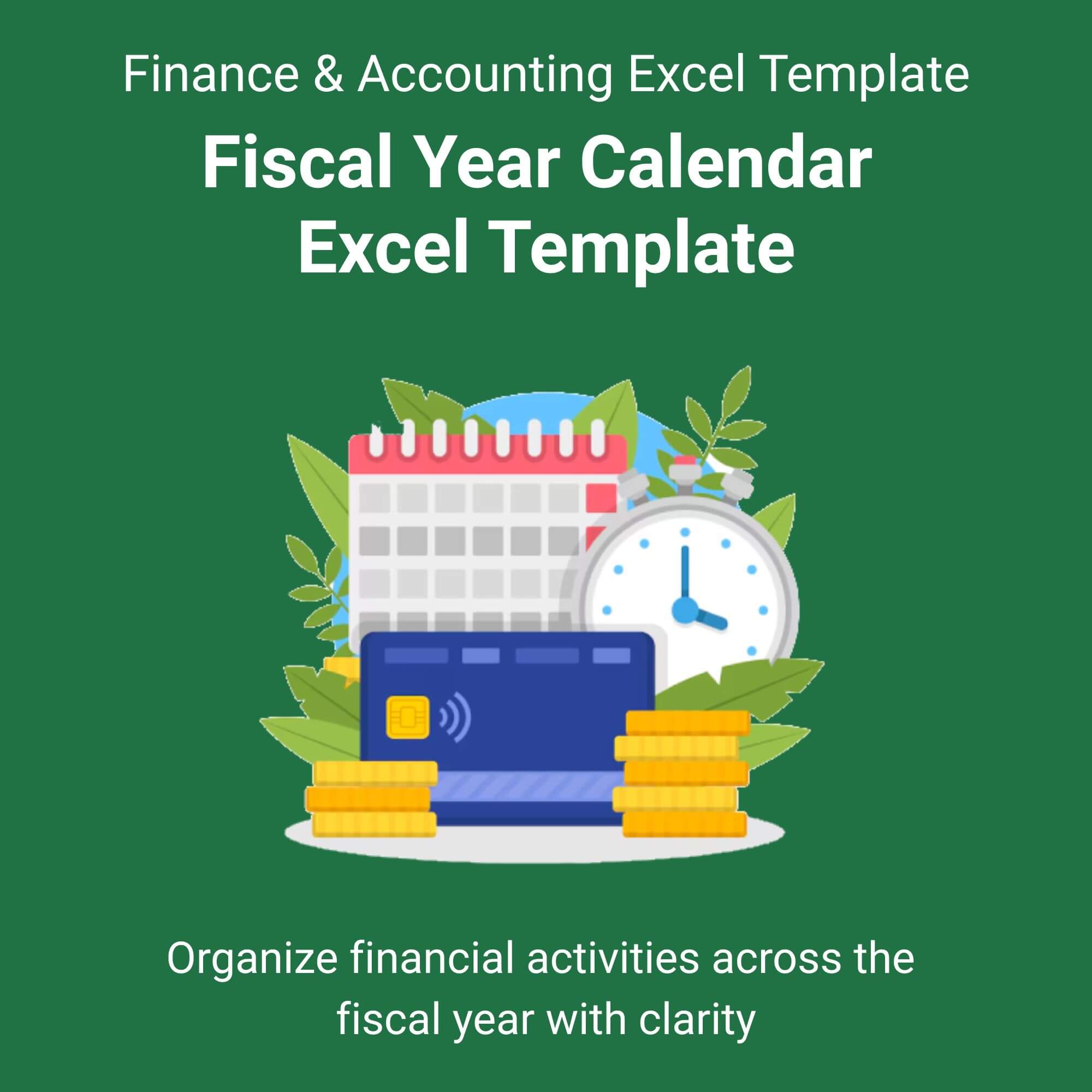
Stop fighting a calendar that ends in December.
If your budget restarts in October, a standard calendar is useless. You don’t need to “make do” with generic templates anymore.
Our Fiscal Year Calendar Excel Template is the only planner built specifically for the US Federal fiscal cycle and corporate fiscal calendars. It shifts your thinking from “End of Year” to “End of Q4.”
We replaced complex VBA code with simple, intelligent formulas. Change the year in one cell, and 154 dates update instantly. Whether you are tracking a defense budget or a consulting retainer, this tool keeps your P&L aligned with reality. View More Finance & Accounting Excel Template.
Stop erasing “December” and writing “October.” Download this template and start your fiscal year correctly.
Who is this for?
This is specifically designed for finance professionals and business owners whose fiscal year does not align with the traditional Gregorian calendar. If your books close in September or your Q1 starts in July, you are the target audience. It is also ideal for nonprofits operating on grant cycles that begin in October.


Jess Kuphal –
⭐⭐⭐⭐⭐
Finally, a calendar that understands the government cycle.
– Jess Kuphal
Jalen Blanda –
⭐⭐⭐⭐⭐
We switched our fiscal year to July last year and our finance team has been using whiteboards. I downloaded this, plugged in our numbers, and presented it at the board meeting. Looks extremely professional.
– Jalen Blanda
Mona Larson –
⭐⭐⭐⭐⭐
I am not an Excel wizard. I typed “2025” and picked “October” and the whole thing just… worked. Highly recommend.
– Mona Larson
Dominique R. –
⭐⭐⭐⭐⭐
Our academic year is a mess of state and federal funding cycles. This template helped me visualize the grant runway clearly.
– Dominique R.
Angus Miller –
⭐⭐⭐⭐⭐
Way better than Smartsheet.
– Angus Miller
Shania Fay –
⭐⭐⭐⭐⭐
No corrupted files, no password locks, no weird macros that trigger security warnings. Just a solid template.
– Shania Fay