
Stop guessing. Start growing.
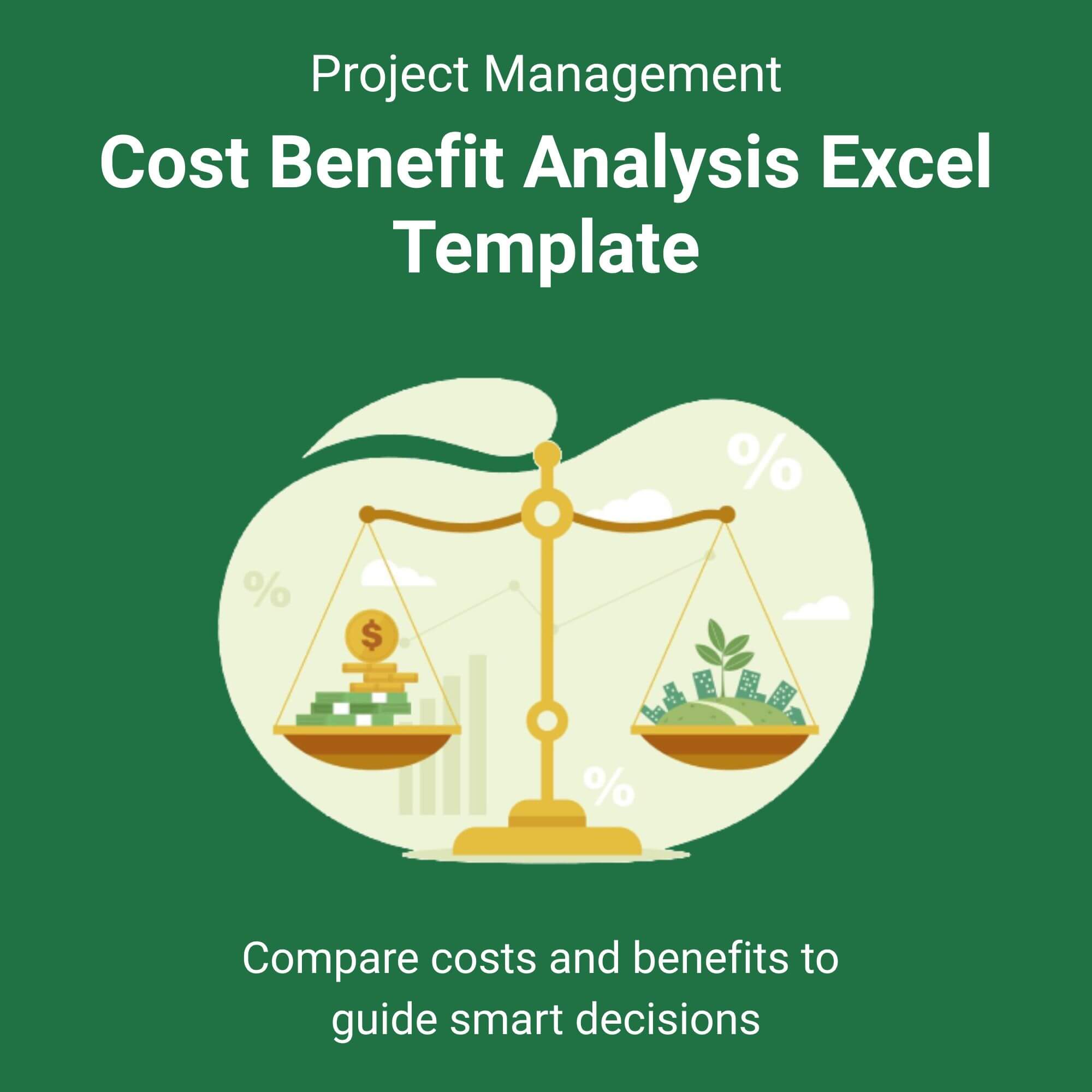
Making a high-stakes business decision shouldn’t feel like a gamble. Whether you are debating a new software implementation, hiring a team, or purchasing expensive equipment, you need cold, hard numbers to justify the risk. Our Cost Benefit Analysis Excel Template transforms complex financial data into a clear, actionable recommendation in minutes.
Forget the headache of manual formula writing or broken spreadsheets. This professional-grade template is designed by financial analysts for business leaders. Simply input your estimated costs and projected benefits over time, and watch the magic happen. The template instantly calculates your total net savings, ROI percentage, and the exact time it will take to recoup your investment. View More Project Management Excel Template.
We bridge the gap between data and decision-making. The “Executive Summary” tab distills your complex analysis into a one-page, presentation-ready format that even non-finance stakeholders can understand. Don’t present a messy spreadsheet; present a compelling business case.
Why This Template Works:
✅ Saves Hours: Avoid building from scratch. Use pre-set financial formulas.
✅ Reduces Risk: Eliminate human error in complex discounting formulas (DCF).
✅ Wins Approval: Visual charts help sell your idea faster than numbers in a list.
Who is this for?
✅ Project Managers: Justify project scope changes and resource allocation.
✅ Small Business Owners: Evaluate if that new hire or expensive ad spend is truly worth it.
✅ Financial Analysts: Speed up the preliminary vetting process for potential investments.
✅ Non-Profit Leaders: Clearly demonstrate impact per dollar spent to grant committees.
✅ Operations Managers: Compare vendor bids or machine upgrades side-by-side.

Reviews
There are no reviews yet.