
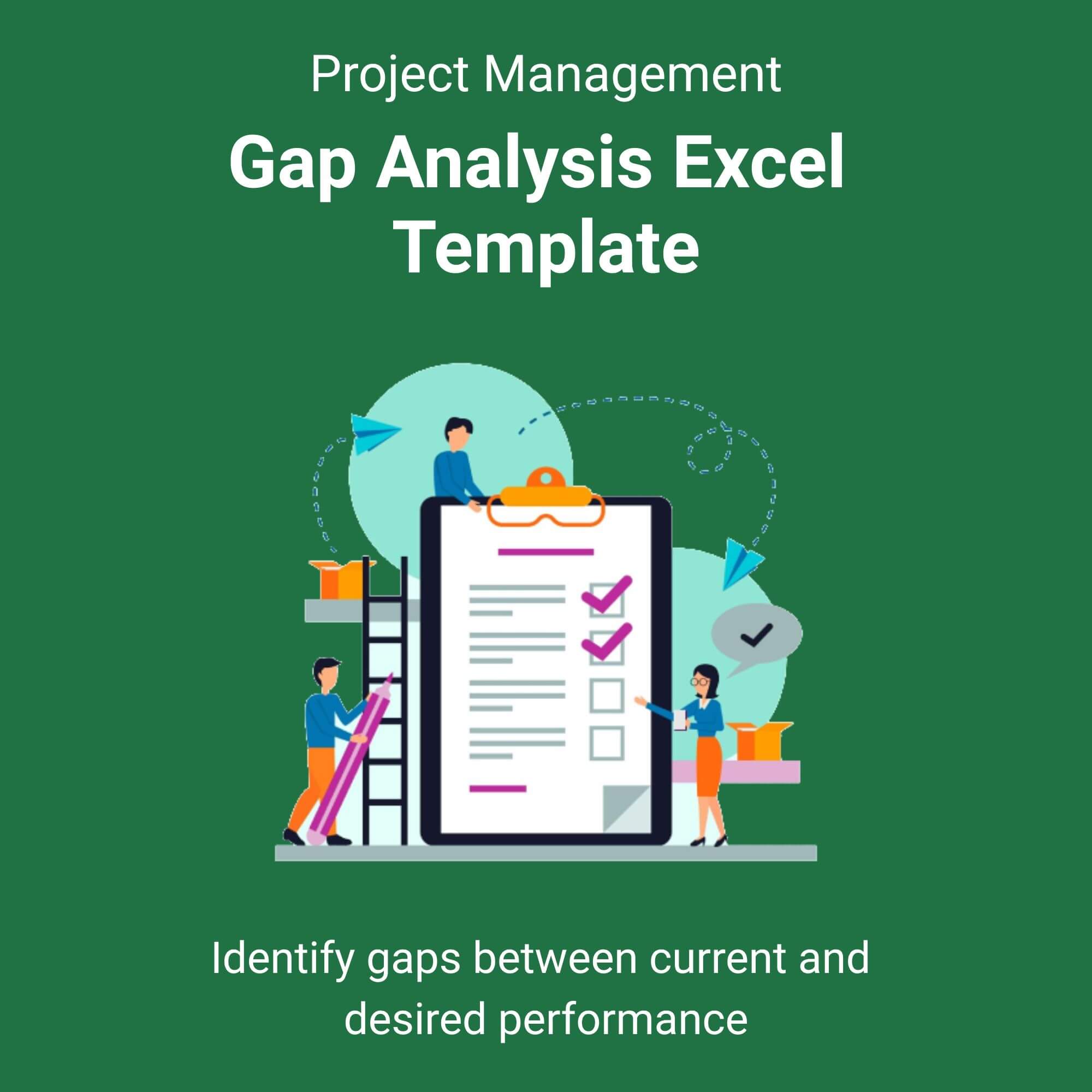
Stop Guessing. Start Bridging the Gap.
Are you tired of setting ambitious goals but failing to understand why you aren’t hitting them? In the corporate world, the difference between success and stagnation is often found in the “Gap” the space between where you are now and where you want to be.
Introducing the Gap Analysis Excel Template, the ultimate tool for strategic planners, consultants, and business owners who demand data-driven decisions. This isn’t just a spreadsheet; it’s a roadmap.
Engineered for precision and ease of use, this template guides you through a comprehensive four-step process:
1. Define Objectives: Clearly state your strategic goals.
2. Assess Reality: Honestly evaluate your current performance metrics.
3. Analyze Variance: Use our automated scoring system to pinpoint critical weaknesses.
4. Execute Solutions: Deploy the integrated action plan to close the gap.
Stop presenting vague theories and start showcasing hard data. With a single click, the dashboard generates executive-level summaries that impress investors and align your leadership team. Whether you are preparing for a QBR (Quarterly Business Review) or conducting a year-end audit, this template ensures you look like the strategic genius you are. View More Project Management Excel Template.
Who is this for?
✅ The Busy Executive: You need to identify why quarterly targets were missed and present a corrective plan to the board by Friday. This tool gives you the visual data and action plan to do it without working all weekend.
✅ The Growth Consultant: You manage multiple clients across different industries. You need a standardized framework that looks custom-built. This template allows you to scale your strategic offerings without reinventing the wheel for each client.
✅ The Aspiring Entrepreneur: You have a great idea but limited capital. Use this template to perform a resource gap analysis to ensure you hire the right people at the right time, preventing cash flow disasters.
✅ The IT Project Manager: You are rolling out new software. Use this to map current workflows against new system capabilities to manage change resistance and training needs effectively.
Reviews
There are no reviews yet.