
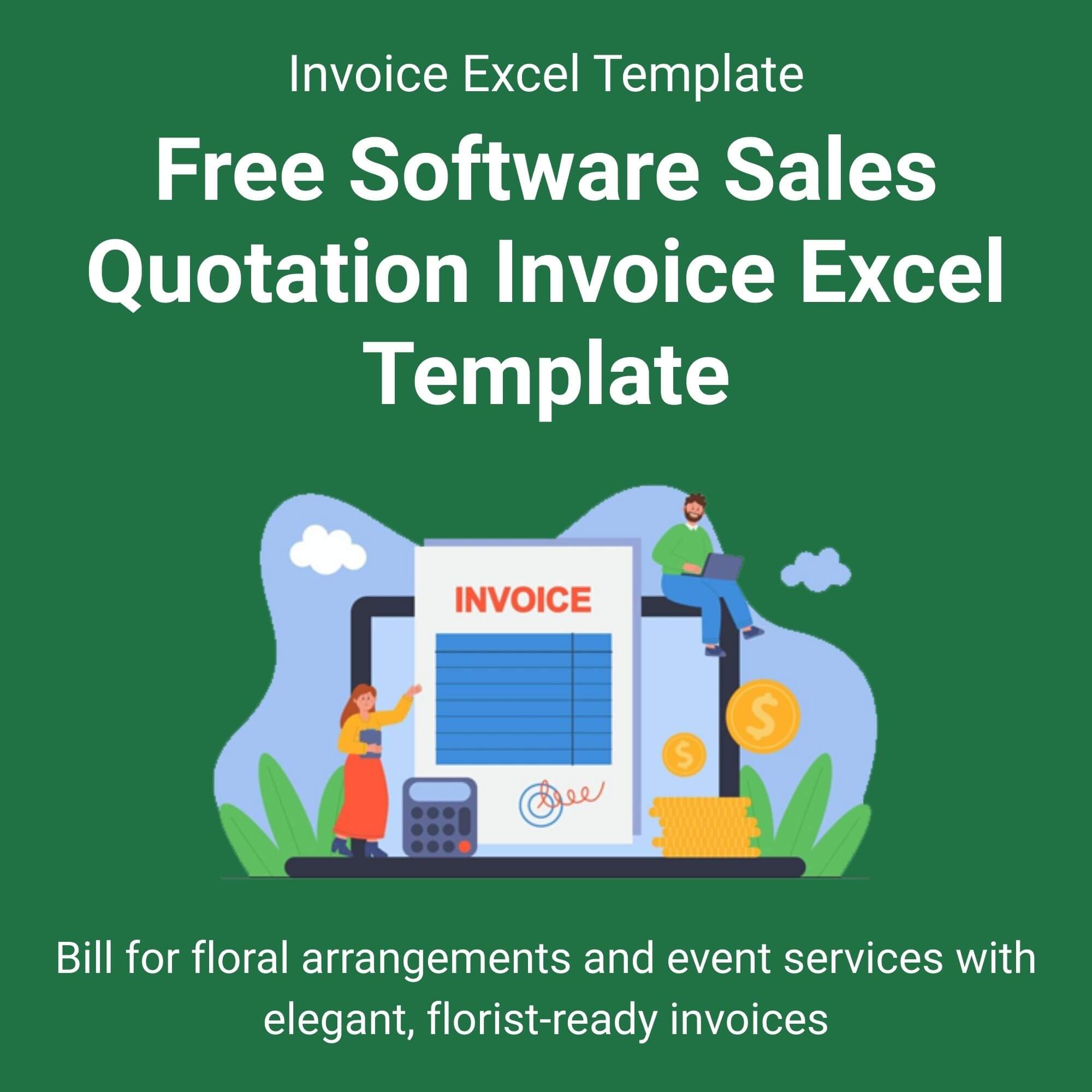
Stop wasting time creating documents from scratch! Our Free Software Sales Quotation Invoice Excel Template gives you a powerful head start. Consequently, you can focus on what you do best—coding and consulting—while we handle the paperwork framework.
This professionally designed template is incredibly easy to use. Simply enter your company details, client information, project specifics, and rates. The template automatically calculates subtotals, taxes, and grand totals for you. Therefore, you minimize errors and look completely polished. Finally, send your quote in minutes and convert it to a final invoice with just a few clicks. View More Excel Invoice Templates.
Key Features in Detail:
All-in-One Document: Use one template for both quotations and invoices.
Automatic Calculations: Built-in formulas sum items, calculate tax, and display totals.
Clear Project Scope: Detail software features, development hours, licensing terms, and support.
Payment Tracking: Record due dates, amounts paid, and balances clearly.
Flexible & Professional: Adapts perfectly for one-time projects or recurring SaaS billing.
Who is this for?
This template is ideal for software developers, freelance programmers, IT consultants, and tech entrepreneurs. If you sell digital services, apps, or software solutions, this tool is for you. Moreover, it’s perfect for small agencies and startups needing a reliable, cost-effective billing system. It simplifies your admin work dramatically, so you can secure more clients and get paid promptly.

Jedidiah Werner –
⭐️⭐️⭐️⭐️⭐️
Exactly what my SaaS startup needed. Simple, clean, and functional. We use it for all our client proposals now. Amazing value for free!
– Jedidiah Werner
Peyton Jarvis –
⭐️⭐️⭐️⭐️⭐️
Makes me look like a large agency. Clients always comment on how professional my quotes are. The layout is perfect for software projects.
– Peyton Jarvis
Cailey Colson –
⭐️⭐️⭐️⭐️⭐️
I added my logo and colors in 2 minutes. The calculations work perfectly every time.
– Cailey Colson
Demonte Manning –
⭐️⭐️⭐️⭐️⭐️
From quote to invoice in one file. This has cut my admin time in half. Thank you!
– Demonte Manning
Amari Churchill –
⭐️⭐️⭐️⭐️⭐️
I use it to break down services and costs clearly. My clients appreciate the transparency.
– Amari Churchill
Betsy Woodall –
⭐️⭐️⭐️⭐️⭐️
Instant download, instant use. No sign-up hassle. Got it immediately and used it for a client the same day.
– Betsy Woodall
Abrianna Prewitt –
⭐️⭐️⭐️⭐️⭐️
The instructions are clear. I’m not great with spreadsheets, but I had no issues.
– Abrianna Prewitt
Chad Villanueva –
⭐️⭐️⭐️⭐️⭐️
The professional presentation definitely helped win the project. Essential tool!
– Chad Villanueva
Mohamed Rodriquez –
⭐️⭐️⭐️⭐️⭐️
Tracks hours, licenses, and support costs separately. It’s very comprehensive.
– Mohamed Rodriquez
Kevin Martinez –
⭐️⭐️⭐️⭐️⭐️
I tried a few paid ones, but this is better. Simple, effective, and gets the job done.
– Kevin Martinez