
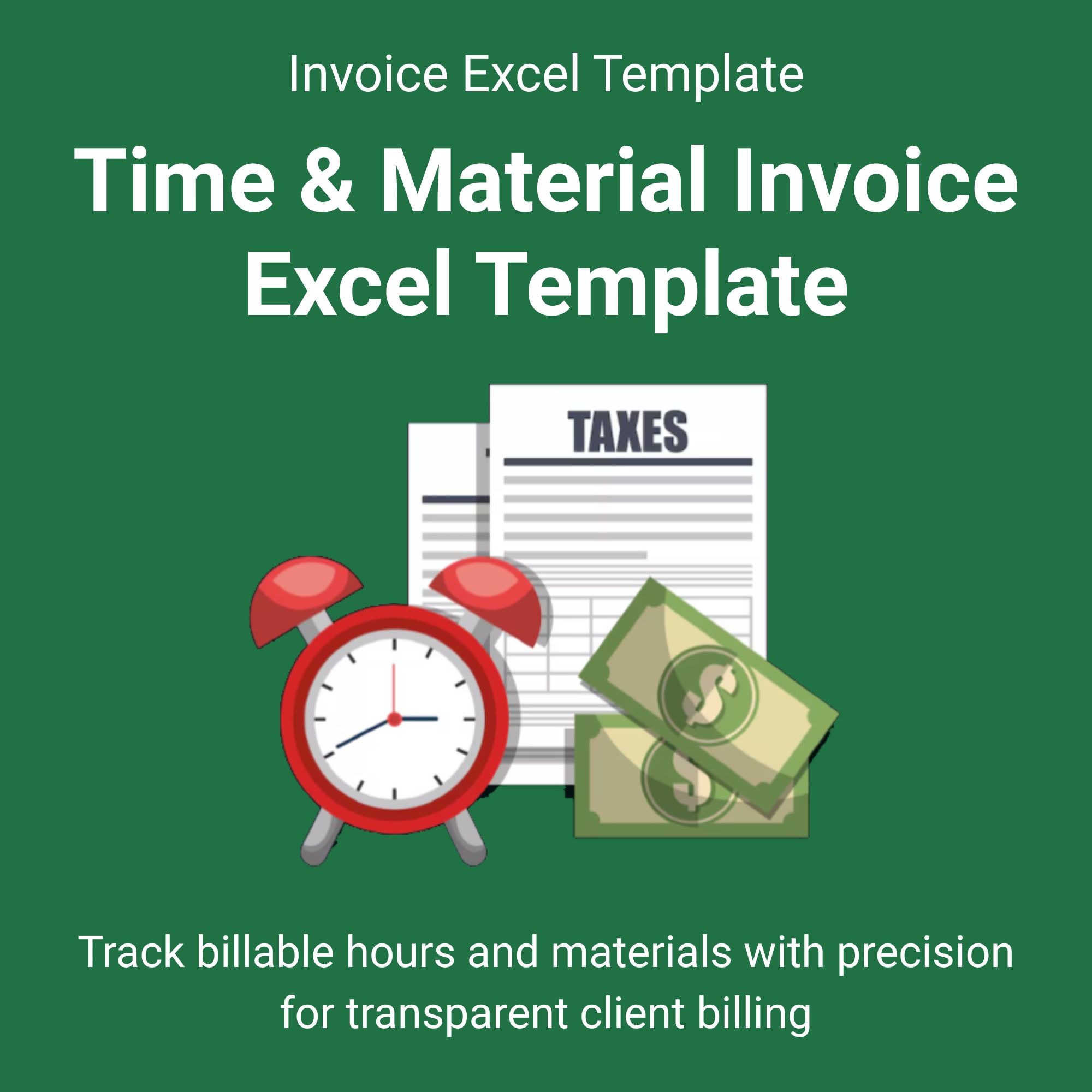
Streamline your billing process and ensure you get paid for every minute and every nail with our comprehensive Time & Material Invoice Excel Template. This isn’t just a simple invoice; it’s a built-in tracking system designed for clarity and efficiency.
Tired of messy spreadsheets or forgotten billable items? This template provides a structured format to meticulously log all labor and materials for each project. The automatic calculations safeguard against costly underbilling errors, while the polished, professional presentation helps you justify costs to clients transparently. It’s more than an invoice—it’s a tool to enhance your credibility, improve your cash flow, and save you hours of administrative work every week. Download it once and use it for every client project forever.
Who Is This For?
This template is engineered for service providers, freelancers, and businesses in the United States who charge based on labor time and materials used. It is ideal if you:
✅ Need a clear, itemized breakdown to show clients exactly what they are paying for.
✅ Want to reduce payment disputes with transparent and detailed documentation.
✅ Are you looking for an affordable, effective alternative to complex invoicing software.
✅ Require a flexible system that can be customized for different clients and project types.
✅ Value professionalism and want to present a polished image with every invoice sent. View More Excel Invoice Templates.
Michael Rodriguez –
⭐️⭐️⭐️⭐️⭐️ “A Lifesaver for My Plumbing Business!”
This template keeps my billing organized and professional. Clients appreciate the clear breakdown of time and parts. Has saved me so much hassle.
– Michael Rodriguez, Houston, TX
Jennifer Caldwell –
⭐️⭐️⭐️⭐️⭐️
Simple yet comprehensive. I can track hours per project and invoice effortlessly. The automatic totals are a game-changer.
– Jennifer Caldwell
David –
⭐️⭐️⭐️⭐️⭐️
Perfect for Freelance Web Projects.
– David
James Miller –
⭐️⭐️⭐️⭐️⭐️
Tried a few apps but this Excel template is just as powerful for my handyman business. Easy to customize and print on-site.
– James Miller, Denver