Excel Training And Templates Market Place

Easily Convert Any Excel Template Into Google Sheets - Just 2 Simple Steps!

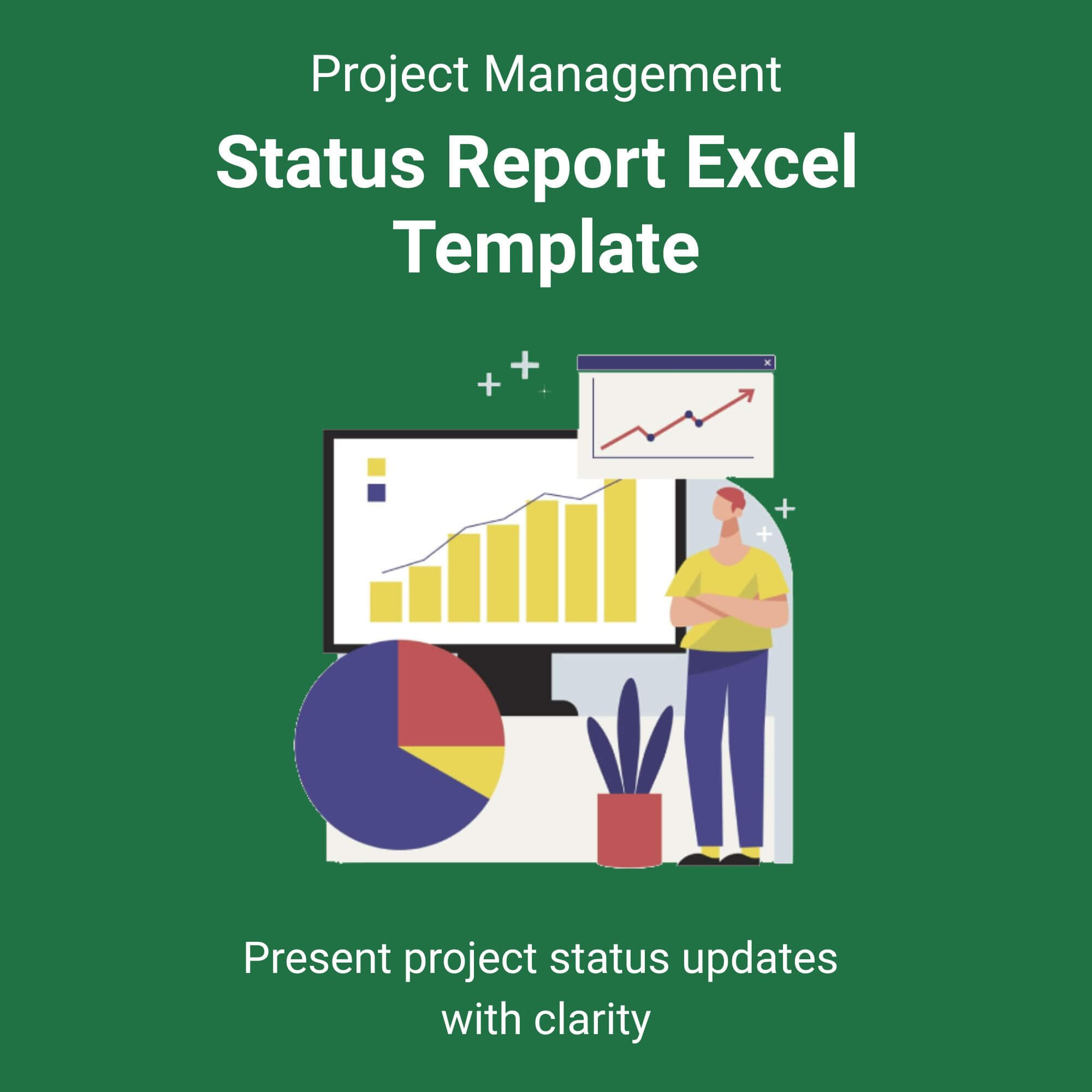
Status Report Excel Template

$5.50

⭐️⭐️⭐️⭐️⭐️ 4.9/5 (Based On Recent Reviews)

Features & Benefits

One-Click Status Updates: Instantly visualize project health with automated progress bars and RAG (Red, Amber, Green) indicators.
Executive Summary Dashboard: A dynamic summary page that compiles key metrics, saving stakeholders from sifting through raw data.
Risk & Issue Log: Integrated tracker to proactively manage bottlenecks and action items in one central location.
Time-Saving Automation: Pre-built formulas calculate task completion percentages and variance from planned vs. actual dates.
Professional Branding: Clean, print-ready layout designed to impress leadership teams with polished, data-driven reports.

Perfect For

✅ Project Managers needing to communicate progress to C-suite executives.
✅ Agency Owners managing multiple client deliverables simultaneously.
✅ Team Leads who want to reduce time spent on manual status meeting prep.
✅ Freelancers looking to deliver a professional, standardized weekly update to clients.

File Types

✅ Instant Digital Download (ZIP file containing .XLSX Excel Template & PDF Guide)

Works with Google Sheets Too!

✅ Once you download this Excel template, you can use it directly in Google Sheets.
How to open:
✅ Go to Google Drive → New → File Upload → Right-click the file → Open with → Google Sheets.

Stop wasting hours formatting spreadsheets. It is time to reclaim your weekend.

The Status Report Excel Template is more than just a spreadsheet; it is your command center for flawless project communication. Designed for speed and clarity, this tool transforms messy data into a visually stunning executive summary in under 60 seconds.

Tired of answering the same question, “Where are we on this?” Simply drop in your tasks, update your percentages, and watch the dashboard populate automatically. The built-in RAG status logic highlights at-risk tasks before they become problems, allowing you to shift from reporting to proactive management. View More Project Management Excel Template.

Whether you are presenting to the board or updating a remote client, this template ensures you look organized, in control, and utterly professional. It is 100% customizable, so it fits your unique workflow—not the other way around.

Who is this for?

Busy Project Managers: Reduce reporting time by up to 70% with automated calculations.
Operations Directors: Standardize reporting across your entire organization for consistent visibility.
IT & Engineering Leads: Track sprint progress and resource allocation without complex software.
Marketing Managers: Oversee campaign launches with clear timelines and deliverable owners.
Reviews

There are no reviews yet.

Be the first to review “Status Report Excel Template”

Your email address will not be published. Required fields are marked *

Scroll to Top