
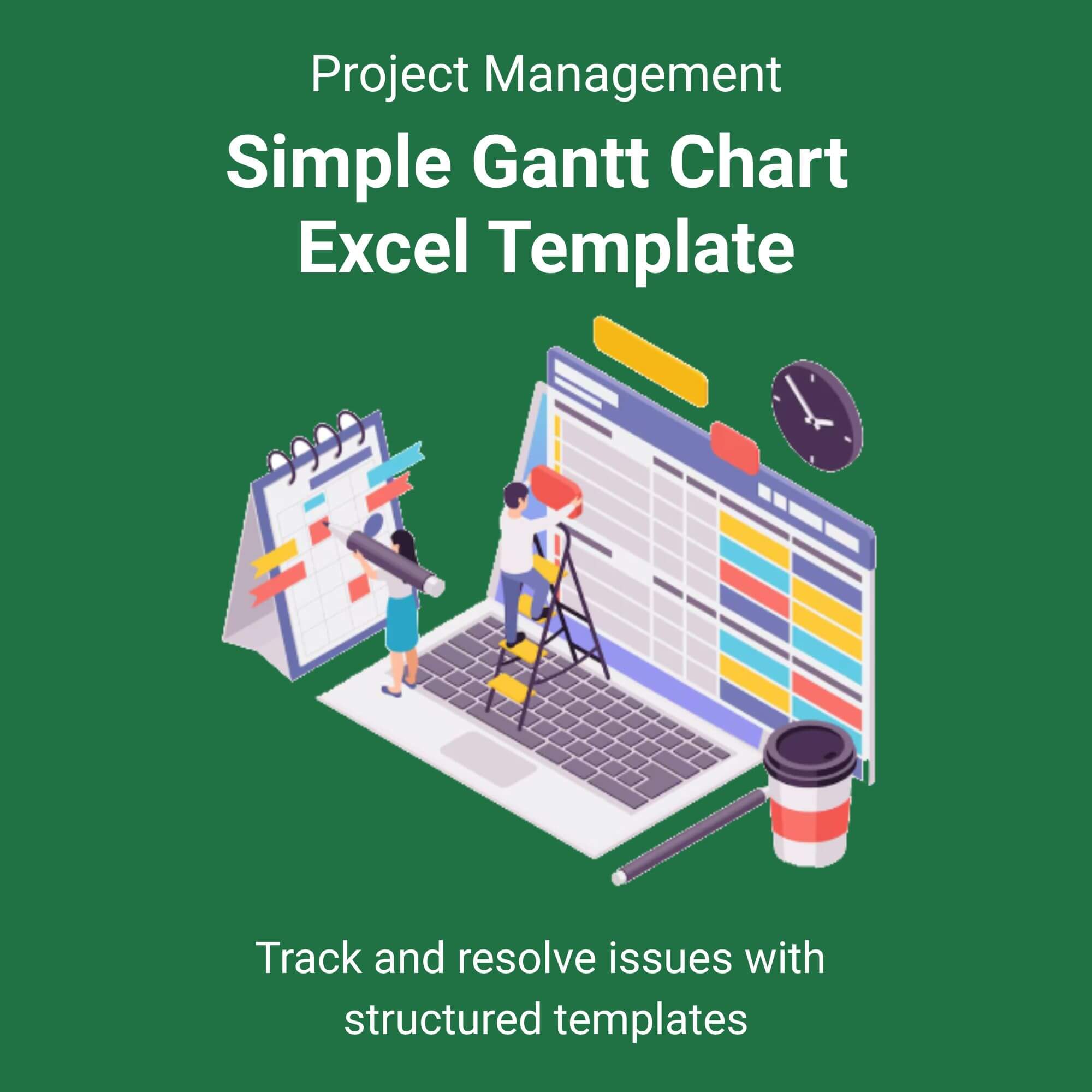
Stop wrestling with complicated project management software. The Simple Gantt Chart Excel Template is your shortcut to professional project tracking. Built for speed and clarity, this tool transforms a standard spreadsheet into a vibrant, dynamic timeline.
Forget the passive frustration of manual updates. You simply add your tasks and start dates; our intelligent formulas build the Gantt chart for you. As deadlines shift, the timeline adjusts instantly. Visual bars highlight progress, bottlenecks become obvious, and your project roadmap stays crystal clear. Whether you are managing a marketing campaign or building a house, this template puts you in control. Download it instantly and start organizing your success today. View More Project Management Excel Template.
Who is this for?
Freelancers: Impress clients with professional timelines that show you value punctuality.
Project Managers: Simplify stakeholder updates with clean, color-coded visual reports.
Students: Master complex group projects by visualizing deadlines and task dependencies.
Small Business Owners: Launch products, manage inventory setups, and coordinate teams without hiring a dedicated PM.
Event Planners: Track vendor deadlines, venue setups, and payment schedules all in one view.


Reviews
There are no reviews yet.