
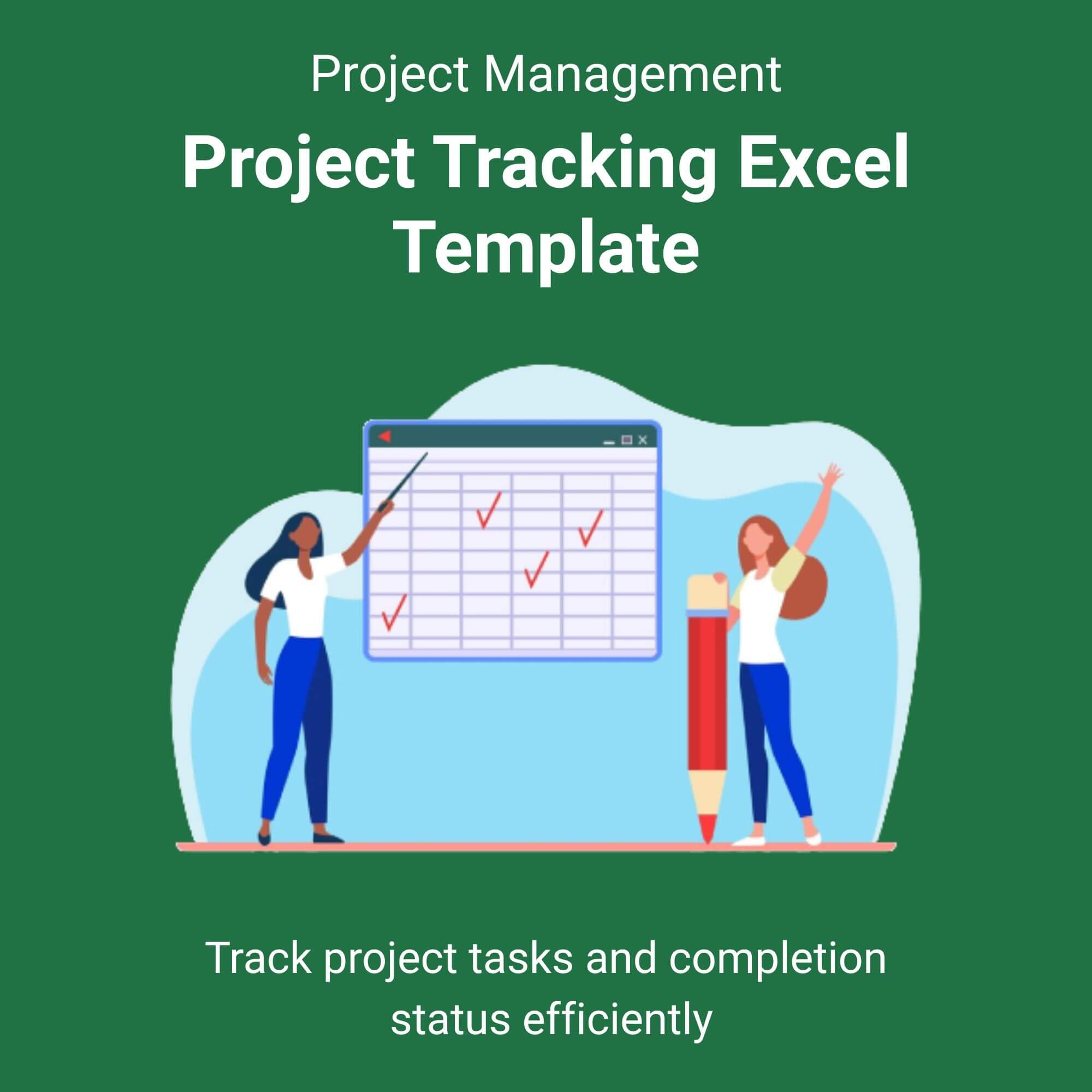
Stop juggling endless spreadsheets, sticky notes, and expensive project management software. The Project Tracking Excel Template is the ultimate command center for your workflow.
Designed for clarity and efficiency, this powerful tool transforms raw data into actionable insights. Forget the steep learning curve of complex SaaS platforms. With this template, you can start organizing your projects in under five minutes.
Simply input your tasks, assign owners, and set deadlines. Our smart formulas do the rest. Watch your project timeline visualize itself in a dynamic Gantt chart, monitor budget burn rates automatically, and track overall health with color-coded status indicators. Whether you are managing a $500 freelance gig or a $500,000 corporate initiative, this template provides the structure you need to deliver on time and under budget. View More Project Management Excel Template.
It is 100% compatible with Microsoft Excel and Google Sheets, ensuring seamless collaboration with your team, no matter where they work. Download instantly after purchase and take control of your projects today.
Who is this for?
This template is built for action-takers who need clarity without complexity.
✅ Busy Project Managers: Streamline communication with stakeholders using the executive summary dashboard. No more scrambling for status updates before meetings.
✅ Solopreneurs & Freelancers: Keep your sanity while handling multiple clients. Track invoices, deadlines, and deliverables in one centralized file without paying for a monthly subscription.
✅ Agency Owners: Scale your operations confidently. Use the resource allocation tab to ensure your creative team isn’t overworked and your account managers know exactly what is due next.
✅ Students & Researchers: Manage thesis timelines, group projects, or lab schedules with precision. The critical path analysis helps you prioritize what matters most for your graduation deadline.
✅ Operations Managers: Standardize how your company runs projects. Use this template as a reusable blueprint for every new initiative to ensure consistency across departments.
Reviews
There are no reviews yet.