Excel Training And Templates Market Place

Easily Convert Any Excel Template Into Google Sheets - Just 2 Simple Steps!

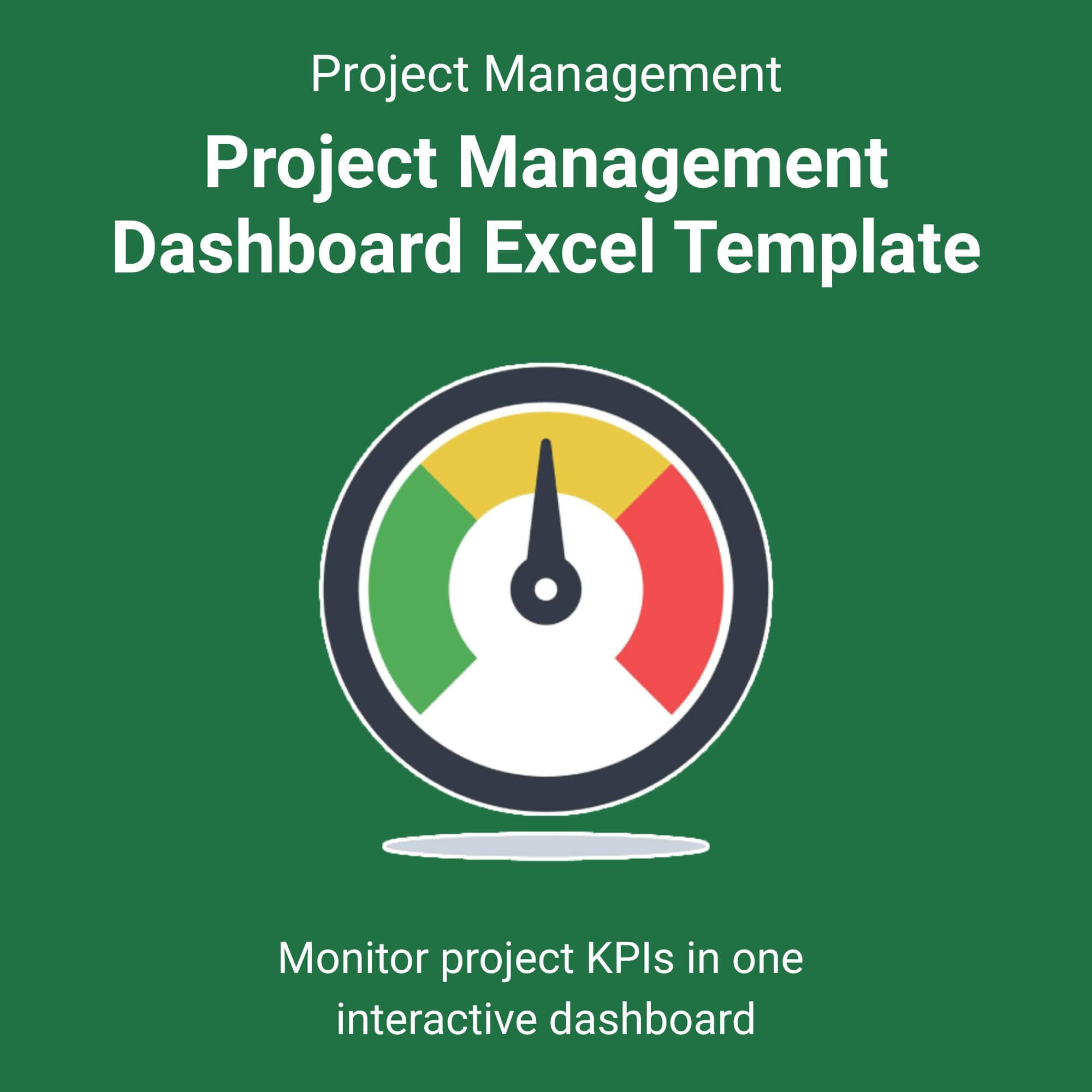
Project Management Dashboard Excel Template

$5.50

⭐️⭐️⭐️⭐️⭐️ 4.9/5 (Based On Recent Reviews)

Features & Benefits

Real-Time Gantt Charts: Visualize project timelines instantly. Delays automatically adjust your schedule.
Budget vs. Actual Tracking: Stay financially on track with automated variance alerts that flag overspending.
Task Management Matrix: Assign owners, set priorities, and monitor completion percentages without manual data entry.
Interactive KPI Dashboard: View high-level metrics using dynamic slicers—no coding required.
100% Automated: Pre-built formulas do the math. Just input your data, and the dashboard updates itself.

Perfect For

✅ Freelancers managing client deliverables.
✅ Small business owners overseeing product launches.
✅ Marketing teams handling multi-channel campaigns.
✅ Operations managers tracking quarterly goals.
✅ Anyone tired of messy, static spreadsheets.

File Types

✅ Instant Digital Download (ZIP file containing .XLSX Excel Template & PDF Guide)

Works with Google Sheets Too!

✅ Once you download this Excel template, you can use it directly in Google Sheets.
How to open:
✅ Go to Google Drive → New → File Upload → Right-click the file → Open with → Google Sheets.

Stop Wasting Hours on Status Update Meetings.

If you are tired of chasing down team members for updates or scrolling through endless rows of data to find a simple answer, this Project Management Dashboard Excel Template is your new command center. We designed this tool for speed and clarity.

Unlike generic spreadsheets that break the moment you add a new row, this dashboard uses advanced formulas to automate your workload. You get a professional, interactive dashboard that updates automatically. View More Project Management Excel Template.

Why this template works:

It bridges the gap between high-level strategy and day-to-day execution. In less than 10 minutes, you can import your data and immediately see which tasks are at risk, which resources are overallocated, and exactly where your budget stands. Whether you are managing a $1,000 project or a $1M portfolio, this tool scales with you.

Who is this for?

This template is built for the busy professional who needs clarity without complexity.

Project Managers: Track milestones, dependencies, and critical paths without expensive software like MS Project.
Freelancers & Consultants: Impress clients with professional status reports that showcase your value.
Startup Founders: Manage your lean team’s output and burn rate from a single Excel file.
Agency Owners: Oversee multiple client projects simultaneously without mixing up budgets or deadlines.
Reviews

There are no reviews yet.

Be the first to review “Project Management Dashboard Excel Template”

Your email address will not be published. Required fields are marked *

Scroll to Top