Excel Training And Templates Market Place

Easily Convert Any Excel Template Into Google Sheets - Just 2 Simple Steps!

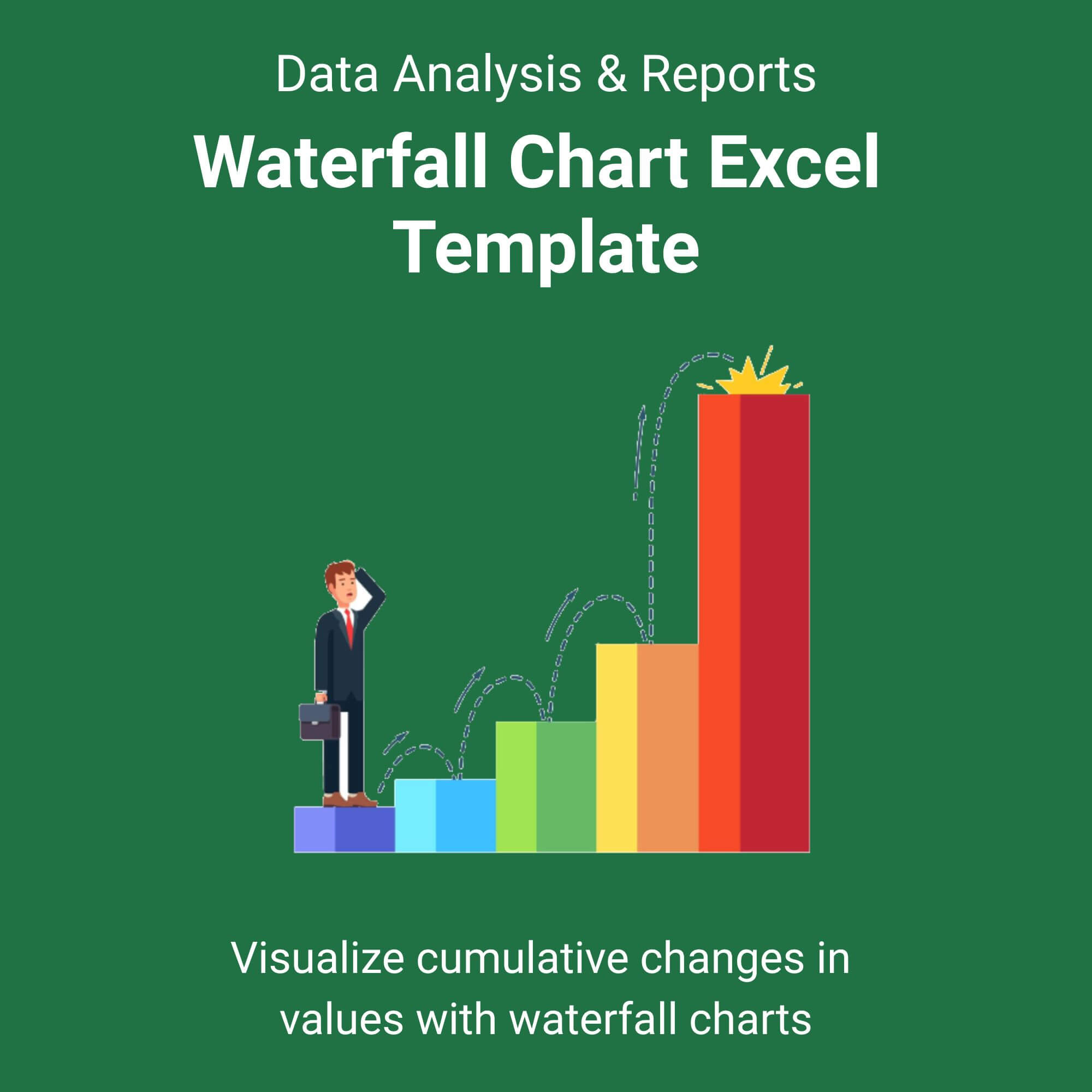
Waterfall Chart Excel Template

$3.00

⭐️⭐️⭐️⭐️⭐️ 4.9/5 (Based On Recent Reviews)

Features & Benefits

Dynamic Data Visualization: Transform raw numbers into a clear, visual bridge chart that automatically flows and adjusts as you input your data.
Instant Variance Analysis: Quickly identify drivers of change between two periods (e.g., Actual vs. Budget) with color-coded increases (green) and decreases (red).
Zero Setup Required: Pre-built formulas and formatting mean you just type in your values—the chart builds itself, saving you hours of manual work.
Professional Presentation Ready: Designed with clean, corporate aesthetics perfect for board meetings, investor pitches, and quarterly business reviews.
Universal Compatibility: Exclusive PDF guide included, ensuring you can set up and master the template on any device with spreadsheet software.

Perfect For

✅ Quarterly business reviews
✅ Financial reports
✅ Inventory reconciliation
✅ Profit & loss statements

File Types

✅ Instant Digital Download (ZIP file containing .XLSX Excel Template & PDF Guide)

Works with Google Sheets Too!

✅ Once you download this Excel template, you can use it directly in Google Sheets.
How to open:
✅ Go to Google Drive → New → File Upload → Right-click the file → Open with → Google Sheets.

Stop struggling with messy Excel charts and start impressing your stakeholders instantly.

Imagine transforming a confusing list of numbers into a crystal-clear, visual story in under 60 seconds. Our Waterfall Chart Excel Template does the heavy lifting for you. Whether you’re explaining why profits dropped or showcasing how cash flow moved through the year, this template provides that “Aha!” moment for your audience. View More Data Analysis & Reports Excel Template.

It’s more than just a chart; it’s a communication tool. We’ve engineered it to be plug-and-play, meaning you don’t need to be an Excel wizard to get boardroom-ready results. Simply enter your starting point, your ups and downs, and your end point—the template handles the complex calculations and formatting instantly.

Who is this for?

This template is designed for Financial Analysts, Accountants, Business Owners, and FP&A professionals who need to present financial narratives clearly. It’s also ideal for students in finance or MBA programs who need to present data-driven projects with high-level professionalism.
Reviews

There are no reviews yet.

Be the first to review “Waterfall Chart Excel Template”

Your email address will not be published. Required fields are marked *

Scroll to Top