
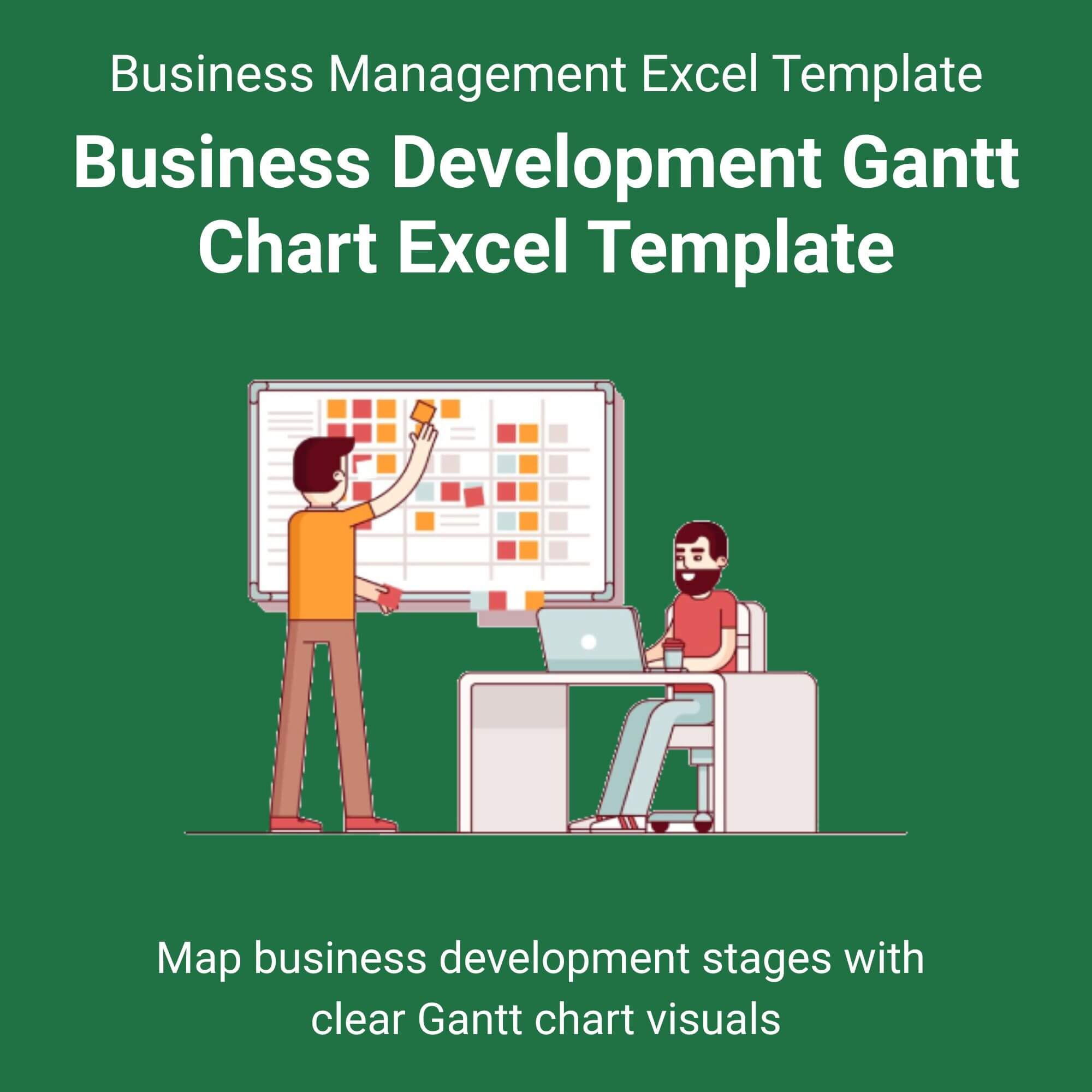
Stop juggling messy spreadsheets and missed deadlines. Unlock your team’s full potential with the Business Development Gantt Chart Excel Template your ultimate tool for transforming chaos into clarity.
This isn’t just another chart; it’s a strategic command center. We’ve built two powerful views into one template. Use the first tab to manage weekly outreach and follow-ups, and the second to visualize your 6-month roadmap for closing major enterprise clients. Because business development isn’t linear it’s a strategic game, and you need the right tools to win. View More Business Management Excel Template.
Watch your productivity soar as tasks auto-schedule and dependencies become crystal clear. You’ll spend less time managing spreadsheets and more time actually closing deals. Whether you’re plotting a product launch or tracking investor relations, this template provides the visual edge you need to communicate progress and hit your targets.
Who is this for?
This template is specifically designed for growth-oriented professionals. If you are a Business Development Manager, Sales Director, Startup Founder, or Account Executive responsible for generating revenue and building partnerships, this tool will become your daily driver. It bridges the gap between high-level strategy and the ground-level tasks required to make it happen.

Freda Klein –
⭐⭐⭐⭐⭐
This template is a lifesaver. I was using a messy whiteboard before, but now I can actually see our entire partnership pipeline at a glance. The two tabs are genius for separating weekly tasks from our big-picture goals.
– Freda Klein
Francesca H. –
⭐⭐⭐⭐⭐
Absolutely worth it. I’m not an Excel whiz, but this was so easy to set up. The PDF guide walked me through everything in 5 minutes. My team finally knows who is doing what and by when.
– Francesca H.
Julien Blick –
⭐⭐⭐⭐⭐
Finally, a Gantt chart that makes sense for biz dev, not just engineering. It helps me track investor outreach while simultaneously planning our next funding round. Highly recommend.
– Julien Blick
Janelle Hagenes –
⭐⭐⭐⭐⭐
I’ve purchased a few templates before, but this one is by far the cleanest. It looks professional in investor updates and helps me stay accountable. The auto-duration feature saves me hours.
– Janelle Hagenes
Ari Waters –
⭐⭐⭐⭐⭐
Perfect for managing our Q4 strategic plan. It visually shows the workload distribution, so we don’t burn out our top performers. A must-have for any growing company.
– Ari Waters
Astrid Reynolds –
⭐⭐⭐⭐⭐
I was skeptical about a template making a difference, but it really has. It forces you to break down big goals into daily actions. Very intuitive design.
– Astrid Reynolds
Rosemarie Wiza –
⭐⭐⭐⭐⭐
Used this to map out our entire product launch timeline. From initial partner talks to the final press release, it kept everything on track. Worth every penny.
– Rosemarie Wiza